How the Bracket System Works
A guide to understanding our tournament management tools.
Bracket Web Page
This web interface is your command center for managing tournaments. Here you can:
- Create & Join: Easily start new tournaments or view existing ones using a unique hash.
- Manage Players: Add or remove players, handle sit-outs, and assign managers.
- Track Progress: View live standings, pairings, and round indicators.
- Record Results: Input match outcomes and verify them with ease.
Everything executes in real-time, ensuring all participants see updates instantly across devices.
Configuration & Settings
| Setting | Description |
|---|---|
| Forced Game Timer | Set a countdown timer for each round to keep the tournament moving efficiently. Visible to all players. |
| Group Size | The ideal or maximum size of a group (e.g., 4 for Commander). The system prioritized this size. |
| Min. Group Size | The minimum allowed size for a group. Used in conjunction with "Prefer Max Groups" to determine pairing logic. |
| Prefer Max Groups |
Yes: Prioritizes creating groups of the "Group Size" (Max), e.g. if having 15 players and group size of 4, it will create 3 groups of 4 and 1 group of 3.
No: Attempts to balance group sizes more evenly. (e.g. 15 players will create 5 groups of 3).
|
| Deleted Teams | Toggle "Show" or "Hide" to control visibility of deleted teams in the player list. |
| Total Rounds | Cap the tournament to a specific number of rounds. If set to 0, the bracket continues, and you can manually extend the rounds if needed. |
| Sit-out Points | Points automatically awarded to a player forced to sit out a round due to uneven player counts or unable to participate. |
| Message of the Day | A custom announcement banner displayed when players are joining via the app. |
| Points Calculation |
Mode 1: In case there is a group less than the optimal group size, the winner will still get full points (based on group size setting).
Mode 2: In case there is a group less than the optimal group size, it will give points based on the actual group size (e.g., if a group of 3, the winner will get 3 points).
Mode 3: In case there is a group less than the optimal group size, the average from Mode 1 and Mode 2 is given. For example, if there is a group of 4 and 3, the first place of the group of 3 will get 3.5 points, while the group of 4 will still get 4 points.
|
| Manageres | Who registered with the site, can administrate the tournament. |
The Bracket Generator
Intelligent Matchmaking Engine
Our scheduling engine uses advanced constraint programming to generate tournament schedules. It doesn't just pick names randomly; it solves a complex mathematical optimization problem to ensure the fairest possible experience for every participant.
- Maximize Unique Pairs: The primary optimization goal is to minimize repeat opponents. The system actively tracks player history to ensure you face new challenges every round until you've met everyone.
- Saturation Targets: For average groups (e.g., 15 players), the solver calculates the "Ideal Cycle" to ensure roughly 5-8 rounds are generated to mathematically necessitate unique pairings.
- Dynamic Scalability: Whether you have 10 players or 100, the system adapts. For massive tournaments, it uses "Smart Chunking" to generate rounds in small, efficient batches (e.g., 2 rounds at a time) to maintain high performance.
Dynamic Group Sizing
While standard Commander is played in groups of 4, our engine is fully dynamic. You define your preferred Maximum Group Size and Minimum Group Size, and the system adapts to any player count.
How The App Works
The Manahive Companion App seamlessly integrates with the bracket system to provide a real-time tournament experience directly from your device.
1. Join a Tournament
- Scan QR Code: Tap "Join Manahive Bracket" on the start screen and scan the tournament QR code provided by the organizer.
- Enter ID: Alternatively, manually enter the unique Bracket ID to join.
- Select Group: Simply select your assigned Group from the list.
2. Live Sync & Features
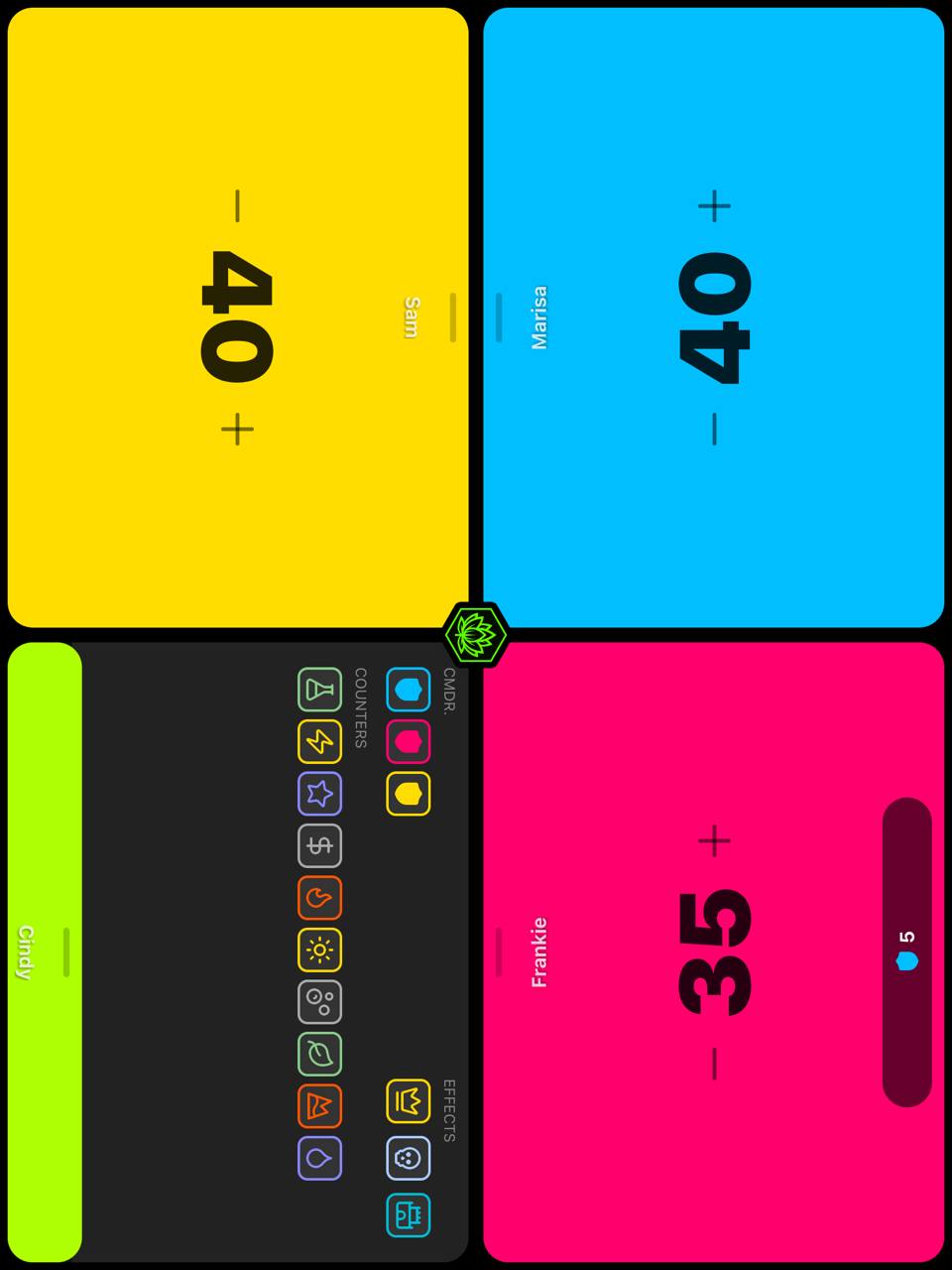
- Real-Time Updates: Life totals, Commander choices, and game states (like Monarch & Initiative) are instantly synced to the main bracket big screen.
- Synced Timer: If the tournament has a round timer, it will automatically sync on your device, ensuring fair play.
3. Report Results
- Finish Game: When the game ends (or time expires), the app will guide you to the results screen.
- Instant Submission: Verify the placements (1st, 2nd, 3rd, etc.) and submit. The bracket is instantly updated with the results!